TABLE OF CONTENTS
Context
The Activity Stream is a panel in the CGR platform that displays updates and actions performed within a module. It helps users keep track of progress and important record changes. This guide explains how system admins can customise the Activity Stream by adding or removing fields, ensuring that only the most relevant information is displayed to users.
How can I add or remove fields from the Activity Stream?
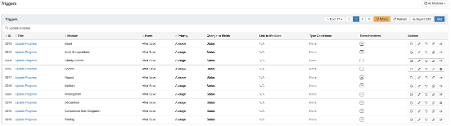
Navigate to the Admin area > Triggers.
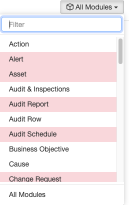
Select the module where you want to add or remove Activity Stream fields.
Use the search bar to find 'update progress' – this is the trigger responsible for the Activity Stream.
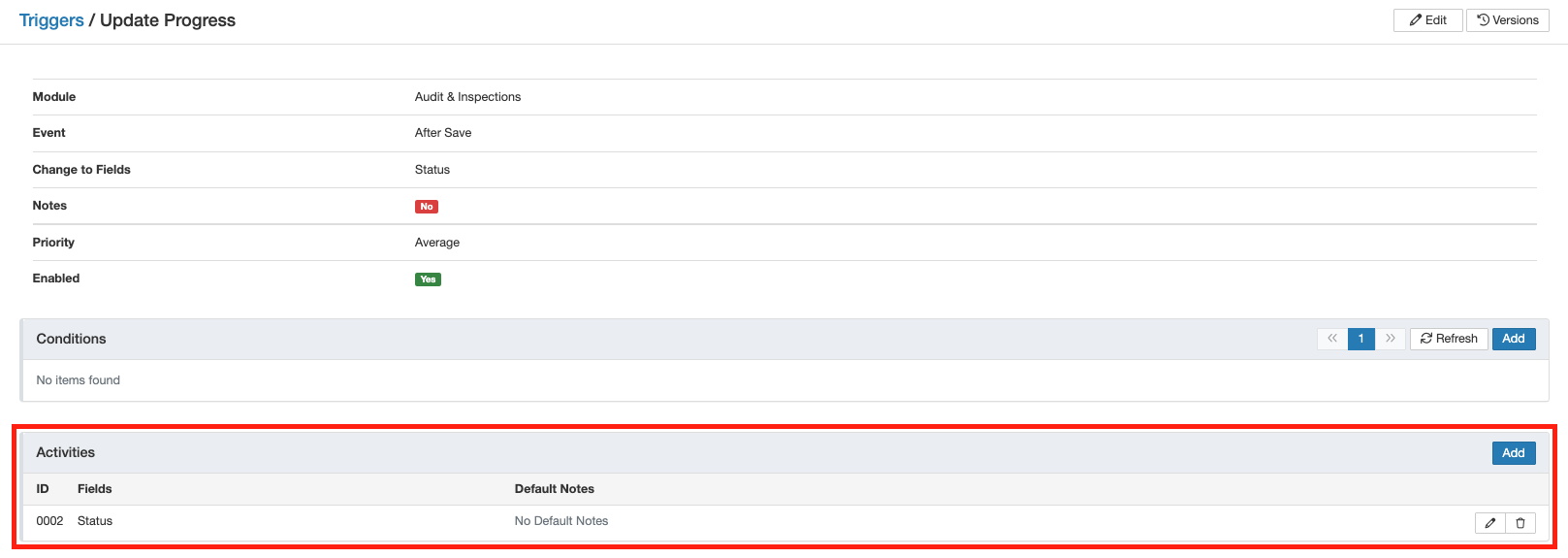
Locate the sub-panel Activities and click the pencil icon to edit.
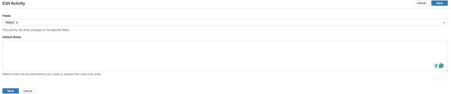
In Fields, search for all available module fields, select the ones you want displayed, and click 'Save'.
Was this article helpful?
That’s Great!
Thank you for your feedback
Sorry! We couldn't be helpful
Thank you for your feedback
Feedback sent
We appreciate your effort and will try to fix the article