Why can't I see a field on the list view?
Why a field may be missing from the list view, and how to see it another way
If you cannot see a certain field on the list view, it is because the field has been hidden from the list view. Clew employees can show or hide fields from the list view for the different modules.
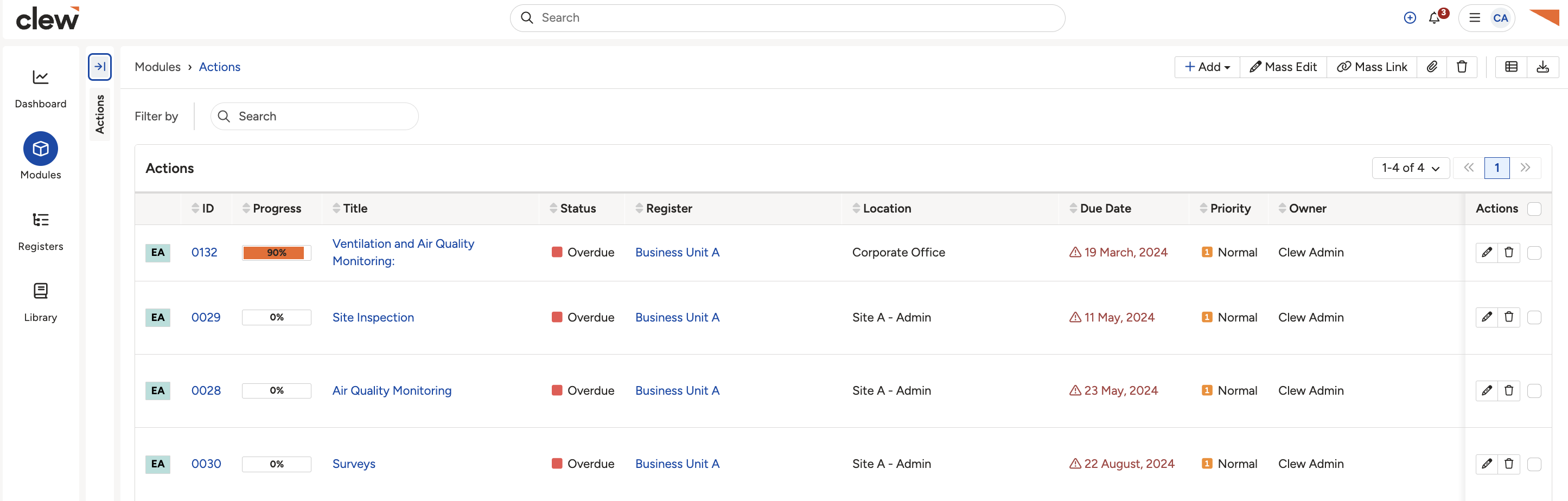
An example of the list view.
How to see the field another way
If you want to view a field that the list view does not show, a table widget is a good solution. It is more customisable, and it does not affect the list view for the whole module. You can set one up from the Dashboard Manager (see Related Articles).
Click a title to preview it here. Use the Open full article button to read the full version in a new tab.
▾Dashboard Manager Open full article »
Related article
How the Dashboard Manager works, including setting up a table widget.
Was this article helpful?
That’s Great!
Thank you for your feedback
Sorry! We couldn't be helpful
Thank you for your feedback
Feedback sent
We appreciate your effort and will try to fix the article