How to view the access matrix on a Security group?
A System Admin can view the access control matrix of a Security Group by following the below steps:
- Navigate to Admin > Security Groups
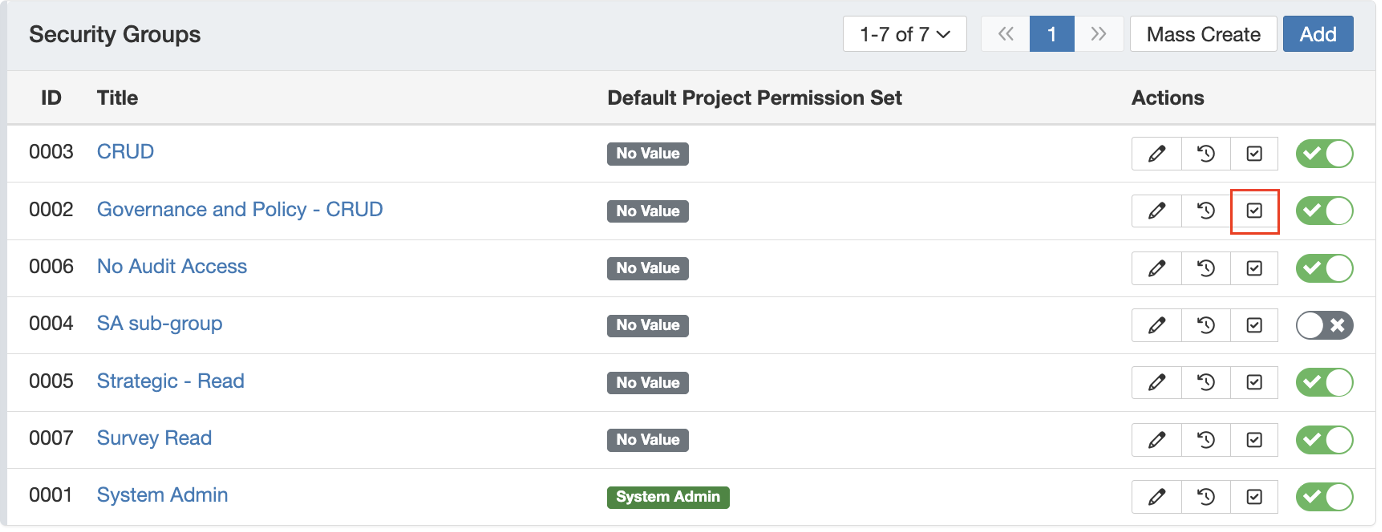
- Search for the relevant Security Group and click on the checkbox icon to view the access matrix.
- In the Access Control Matrix, you can see the registers the user has access to along the x-axis, and the corresponding access levels for each module along the y-axis.
Was this article helpful?
That’s Great!
Thank you for your feedback
Sorry! We couldn't be helpful
Thank you for your feedback
Feedback sent
We appreciate your effort and will try to fix the article