TABLE OF CONTENTS
Context
The Filtered Search Reports allow users to filter the results. User can search the reports by Types, Register, Status, Location, due date, Search by risk title etc. This helps users quickly find the most relevant records based on their specific requirements.
How to Filter by title on the reports page
1. Navigate to Menu > Filtered Search Report
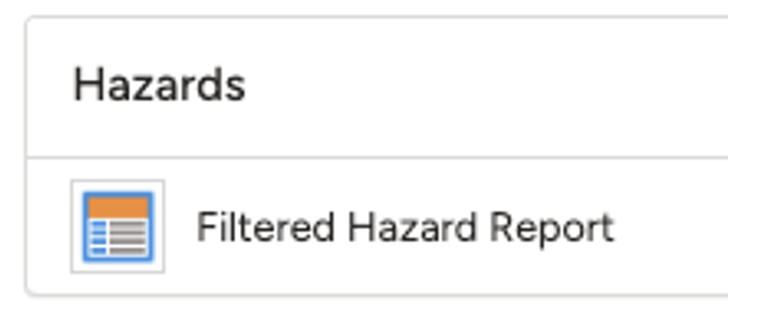
2. Select the module to run the “Filtered report”.
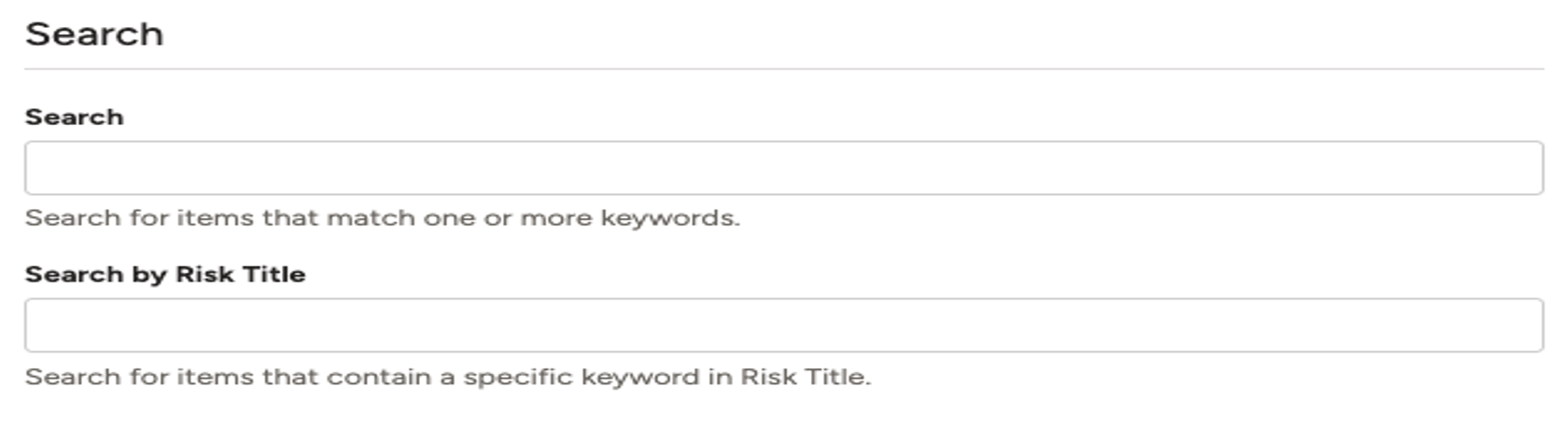
3. Scroll to the search section, where you will find two options:
a. Search: Users can search using one or more keywords that matches the items.
b. Search by Title: In this search bar, users can search using specific keywords contained in the risk title. If more than one item contains the same keyword, all matching records will be displayed.
Was this article helpful?
That’s Great!
Thank you for your feedback
Sorry! We couldn't be helpful
Thank you for your feedback
Feedback sent
We appreciate your effort and will try to fix the article