How do I share a dashboard template as a System Admin?
To share a dashboard template as a system admin, follow these steps:
- Open Dashboard Templates
Go to the Admin section or access the dashboard settings through the little pencil icon.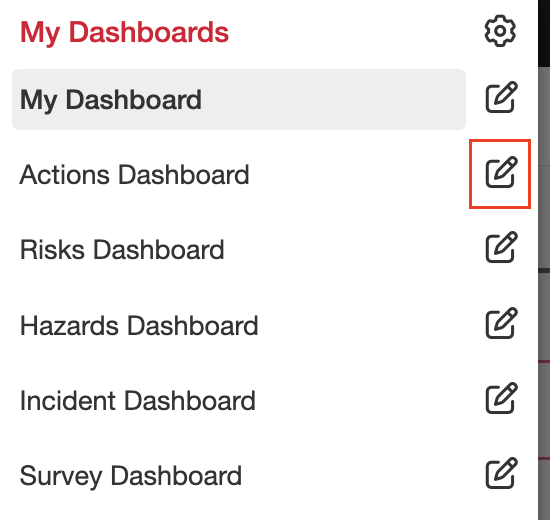
- Choose Sharing Options
Click Share to open the sharing menu. You’ll see three options:
Teams – Share the template with selected teams.
Users – Share with specific individual users.
Roles – Share based on user roles (e.g. Administrator, Viewer).
Note: If you don’t select any of the above options, the template will be shared with all users by default.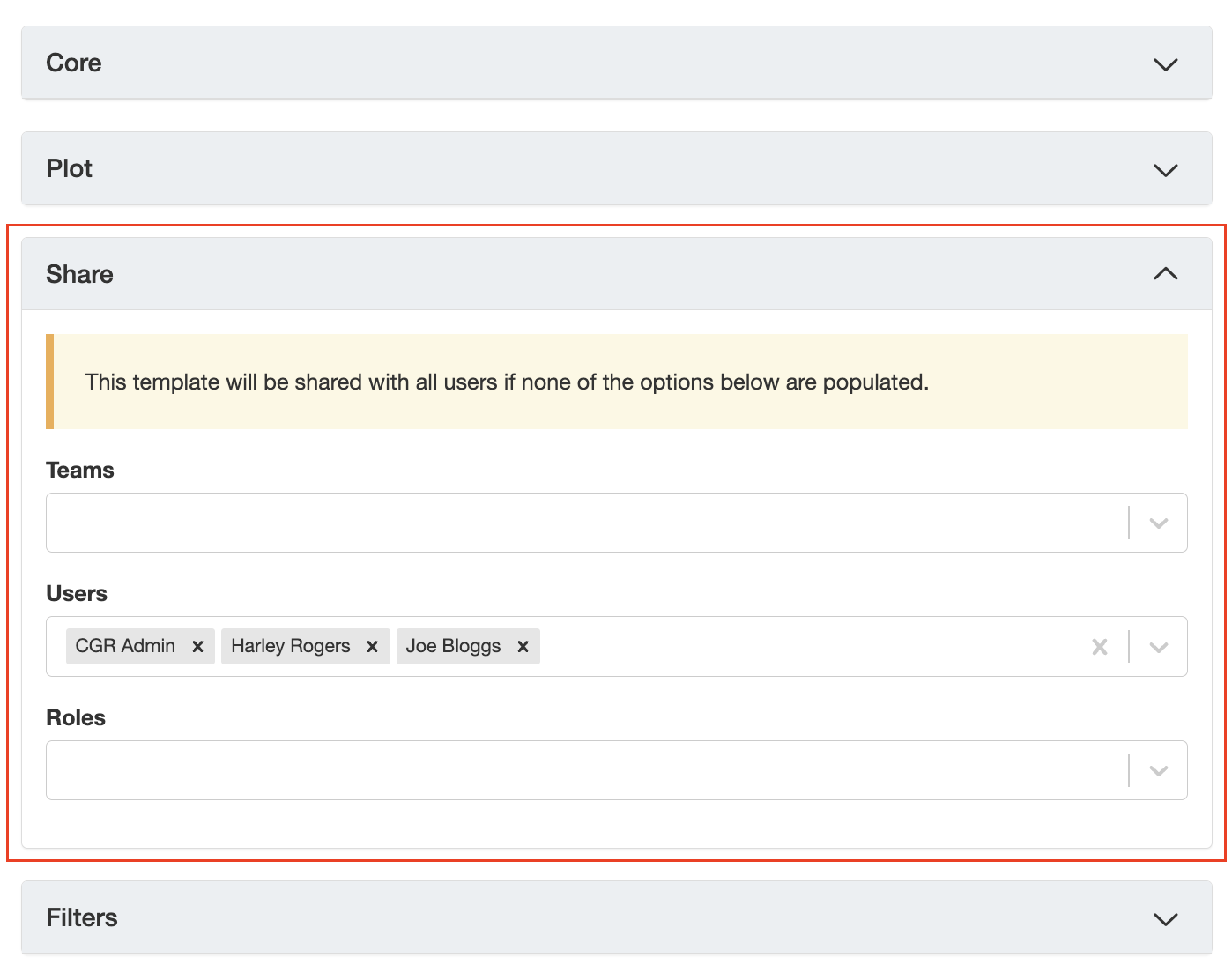
- Save Your Changes
Once you’ve selected your preferred sharing option, click Save.
Was this article helpful?
That’s Great!
Thank you for your feedback
Sorry! We couldn't be helpful
Thank you for your feedback
Feedback sent
We appreciate your effort and will try to fix the article