Where is the field 'Description' of a Custom Field displayed?
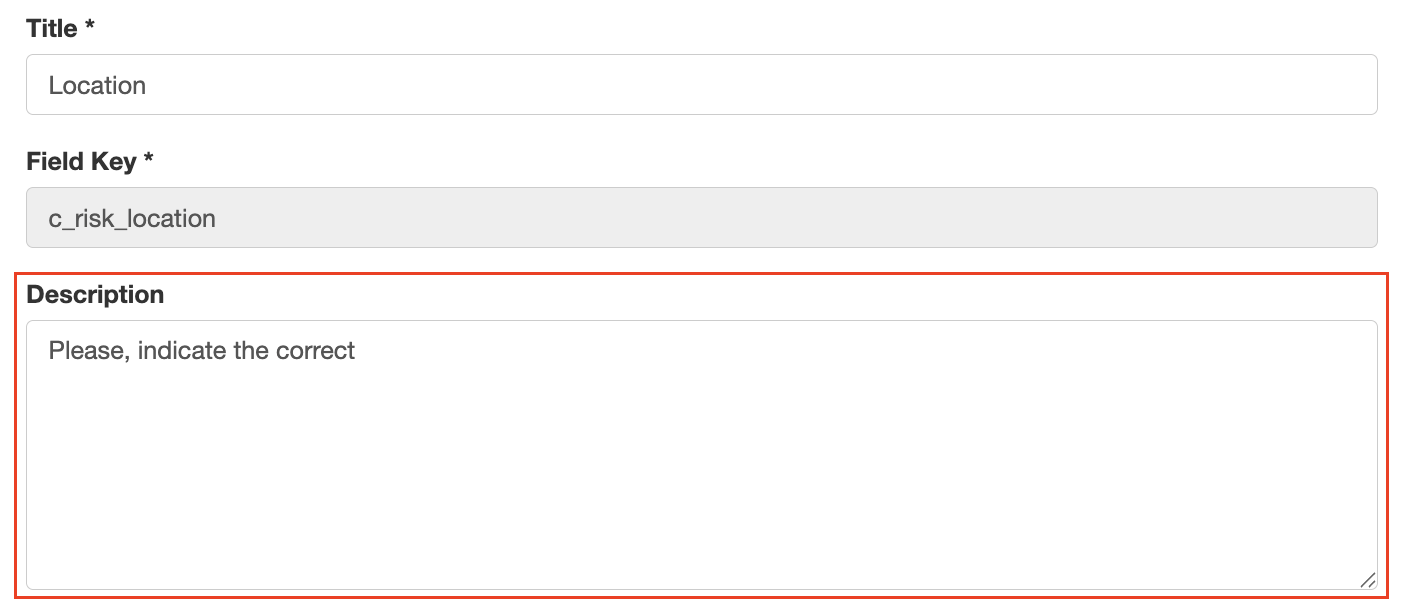
The description of a field is displayed right under the field title and can be customised by a system admin.

The description can be changed by following the below guide:
- Go to Admin > Custom Field.
- Use the search bar to look for the module name or field name, open it.
- Apply the changes to the Description field and save it.
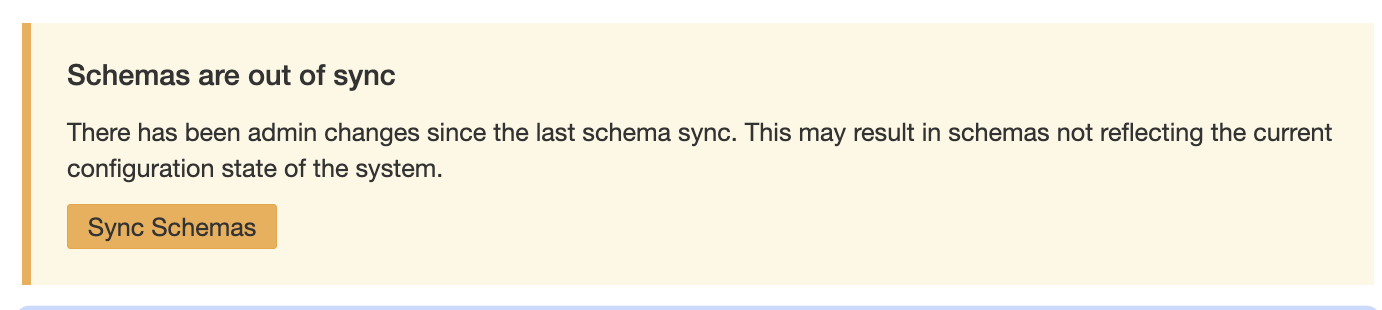
- Then go to schemas and click ‘Sync Schemas’ to have the changes to the field visible on the schema.
Was this article helpful?
That’s Great!
Thank you for your feedback
Sorry! We couldn't be helpful
Thank you for your feedback
Feedback sent
We appreciate your effort and will try to fix the article